

Stop Posting into the Void. Create a Substack Newsletter
How to set up your Substack properly

Some of our lovely BYW family have been finding it tricky to set up a Substack newsletter. If that’s you, I hope this helps.
If you’re posting one-off pieces, or writing stories in Notes your writing can get lost in the void.
You want readers to be able to find your work and subscribe to it. When you set up your Substack newsletter properly, you get a pretty website like this:
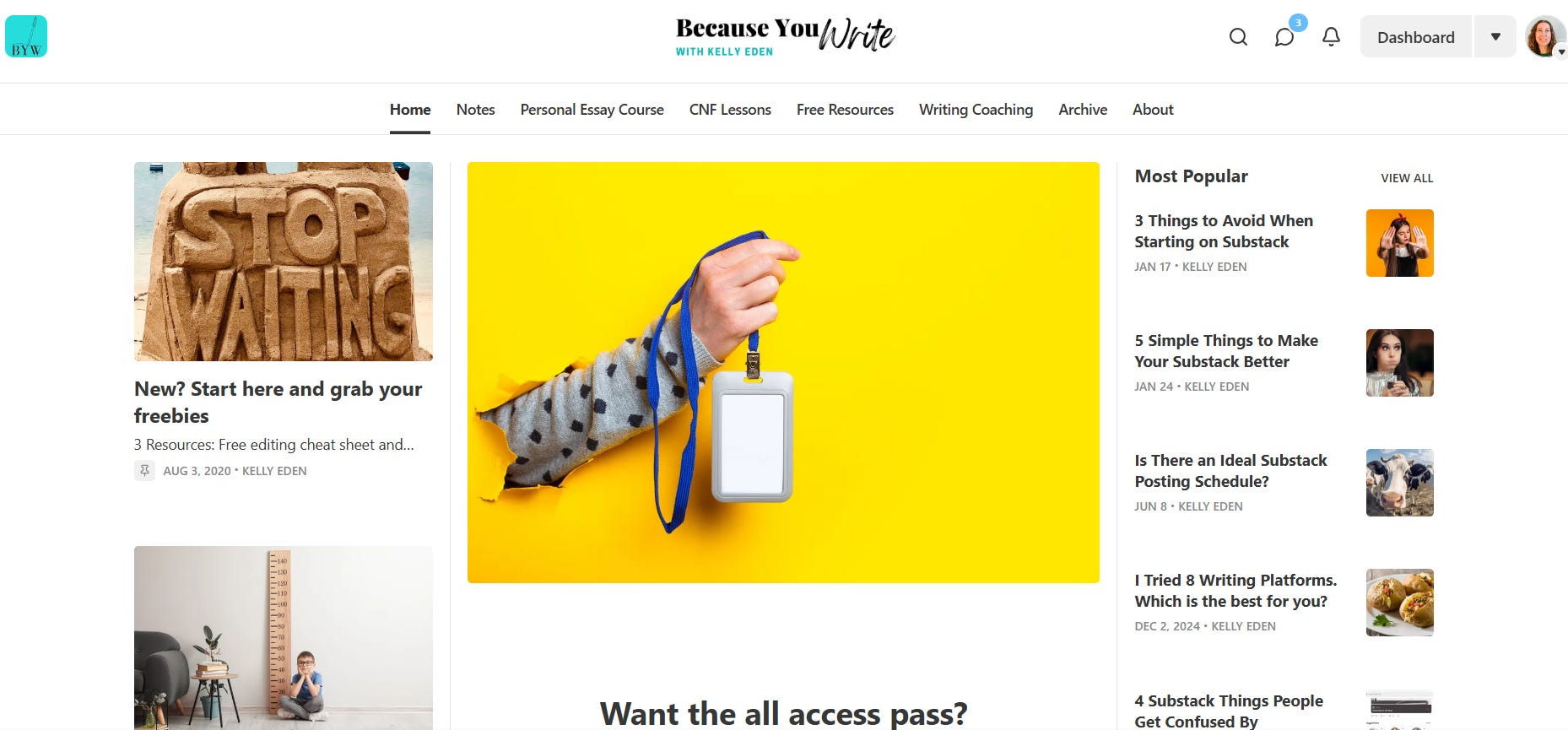
Everything organised into one page. Easy to navigate. Easy to share.
But figuring out how to do that isn’t easy. Even I had to hunt around a bit when researching for this piece.
I set mine up years ago when Substack was new. Things are a lot more complex here now. No wonder everyone is feeling confused!
Here’s how to start:
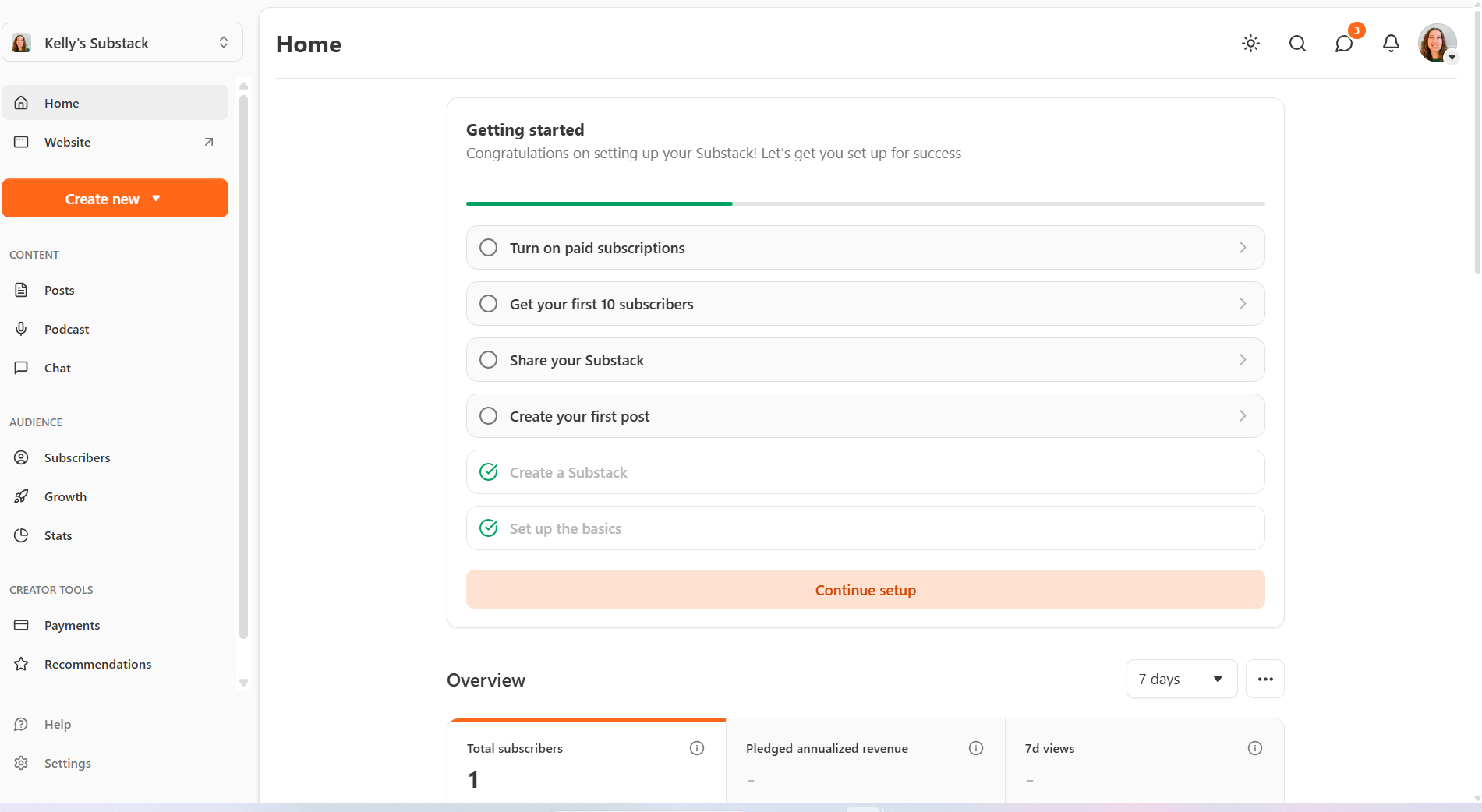
Go to your Dashboard (see it down on the left hand side there?)
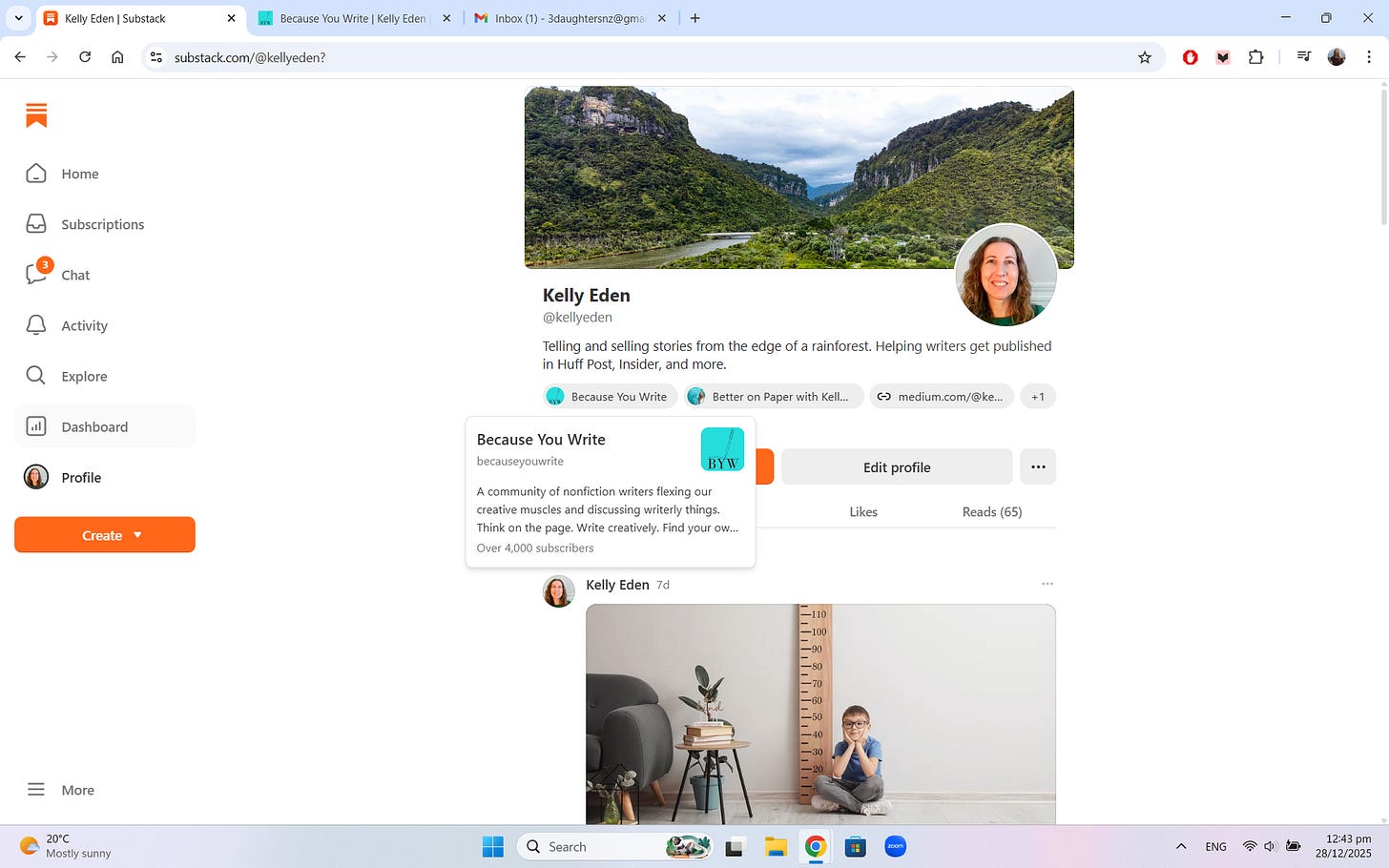
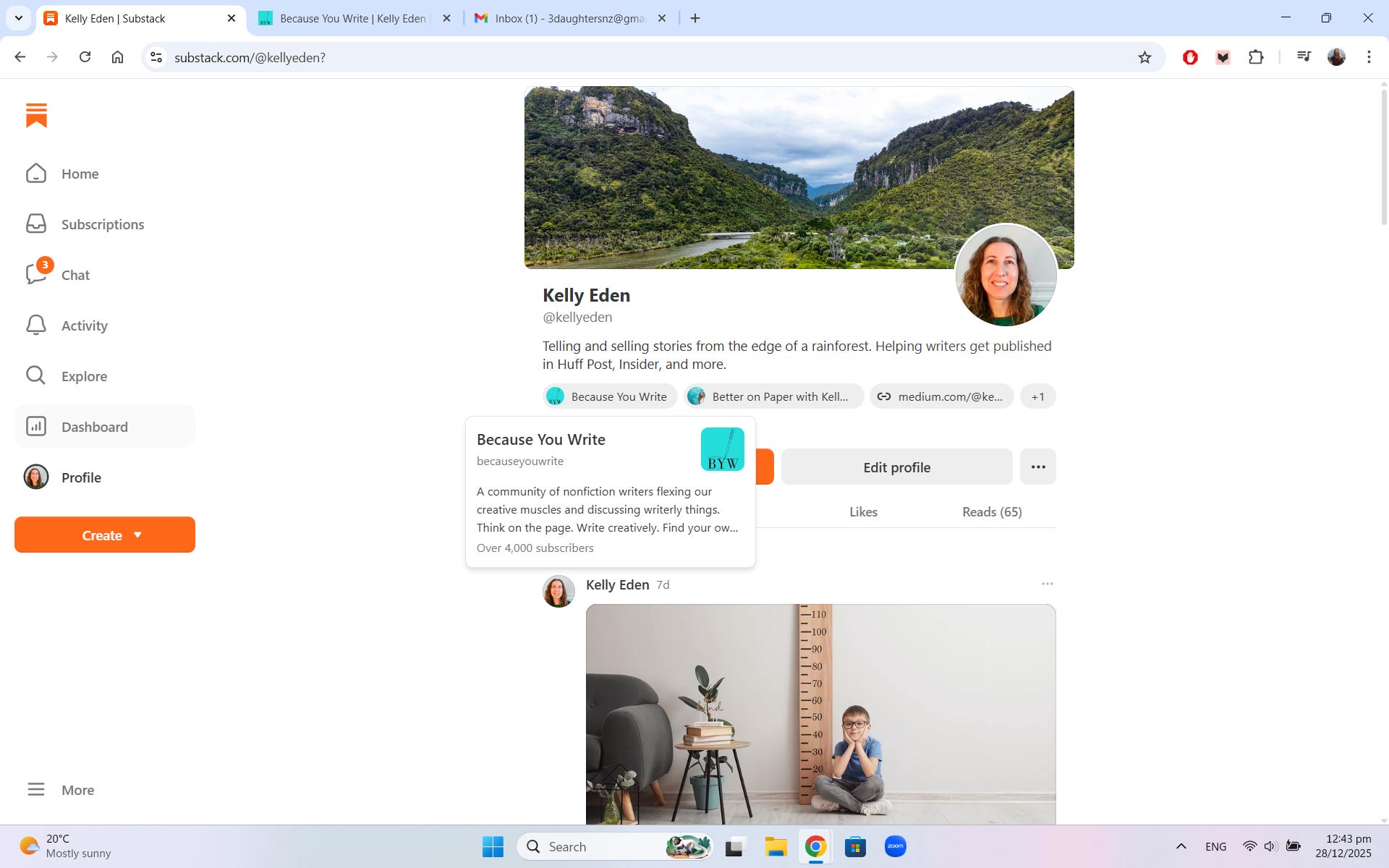
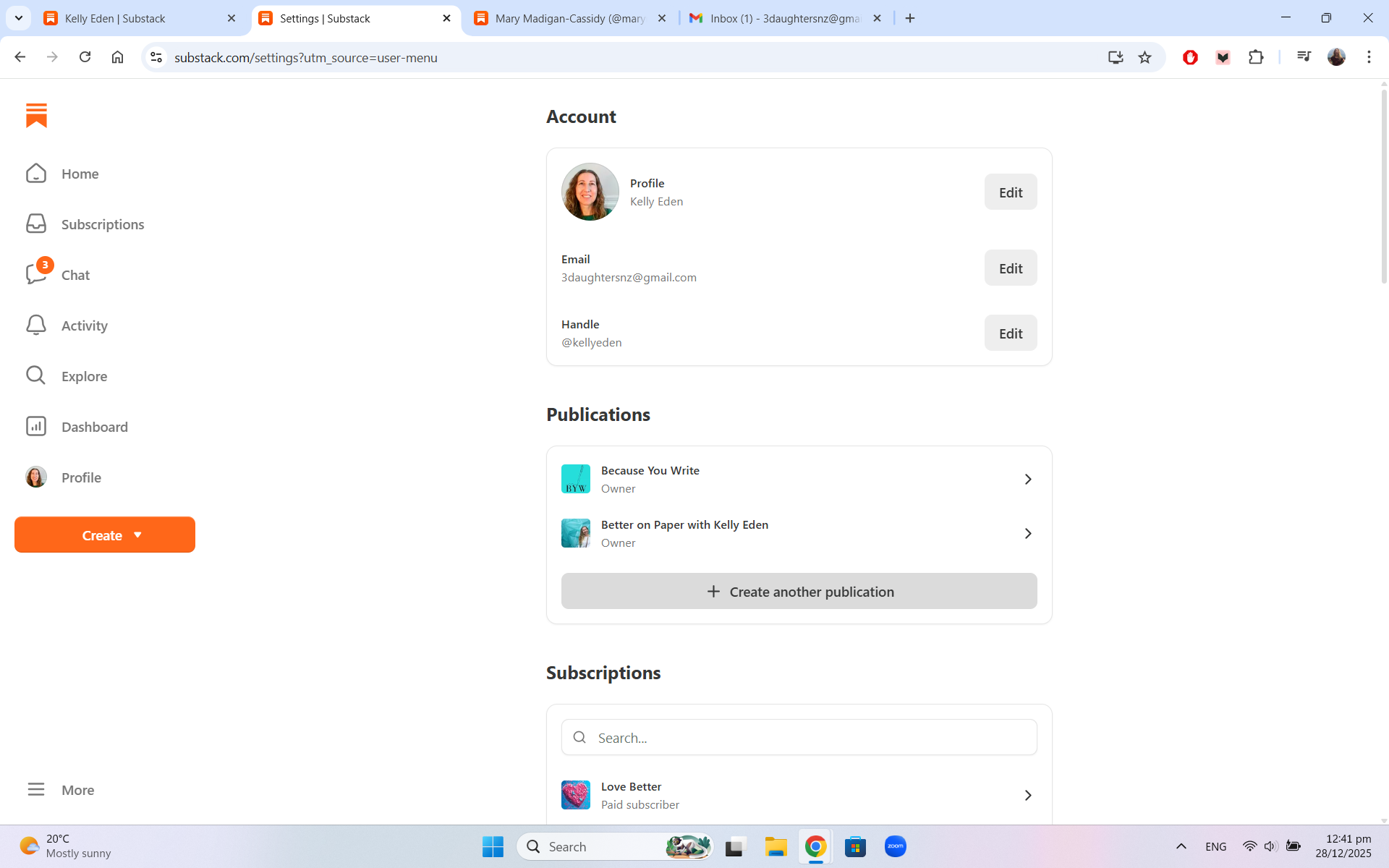
In your Dashboard, click on the arrow under your profile picture and go to settings. (See it on the right drop down menu?)
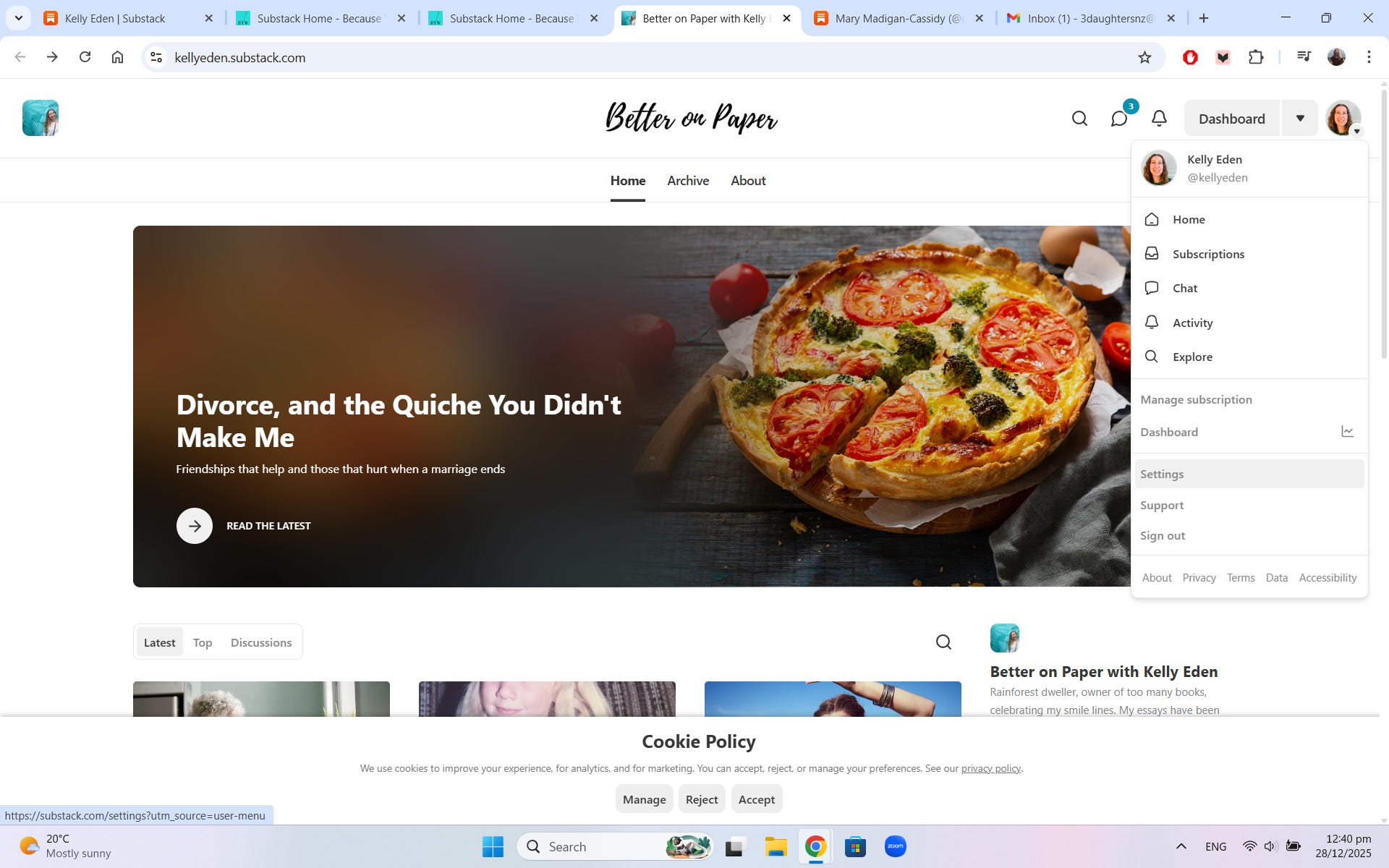
In settings you should see your account followed by a box labelled Publications. There is an option to “Create another Publication”. Click on that.
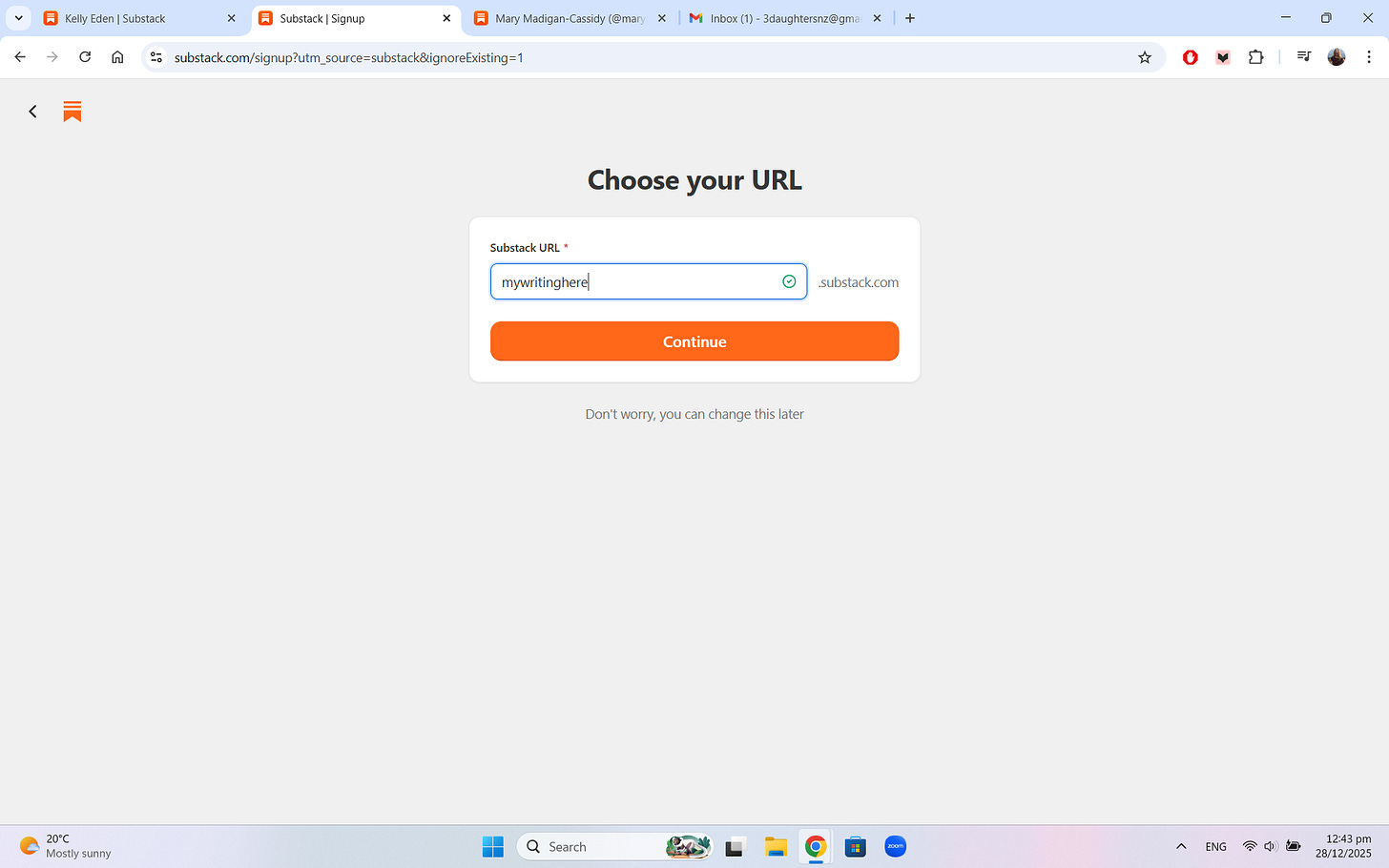
It will ask you to choose a URL. Using the title of your Substack newsletter is best. For example, mine is becauseyouwrite.substack.
This is where you might want to spend some time considering the name of your Substack. I have a post on that here. You can always change the name later.
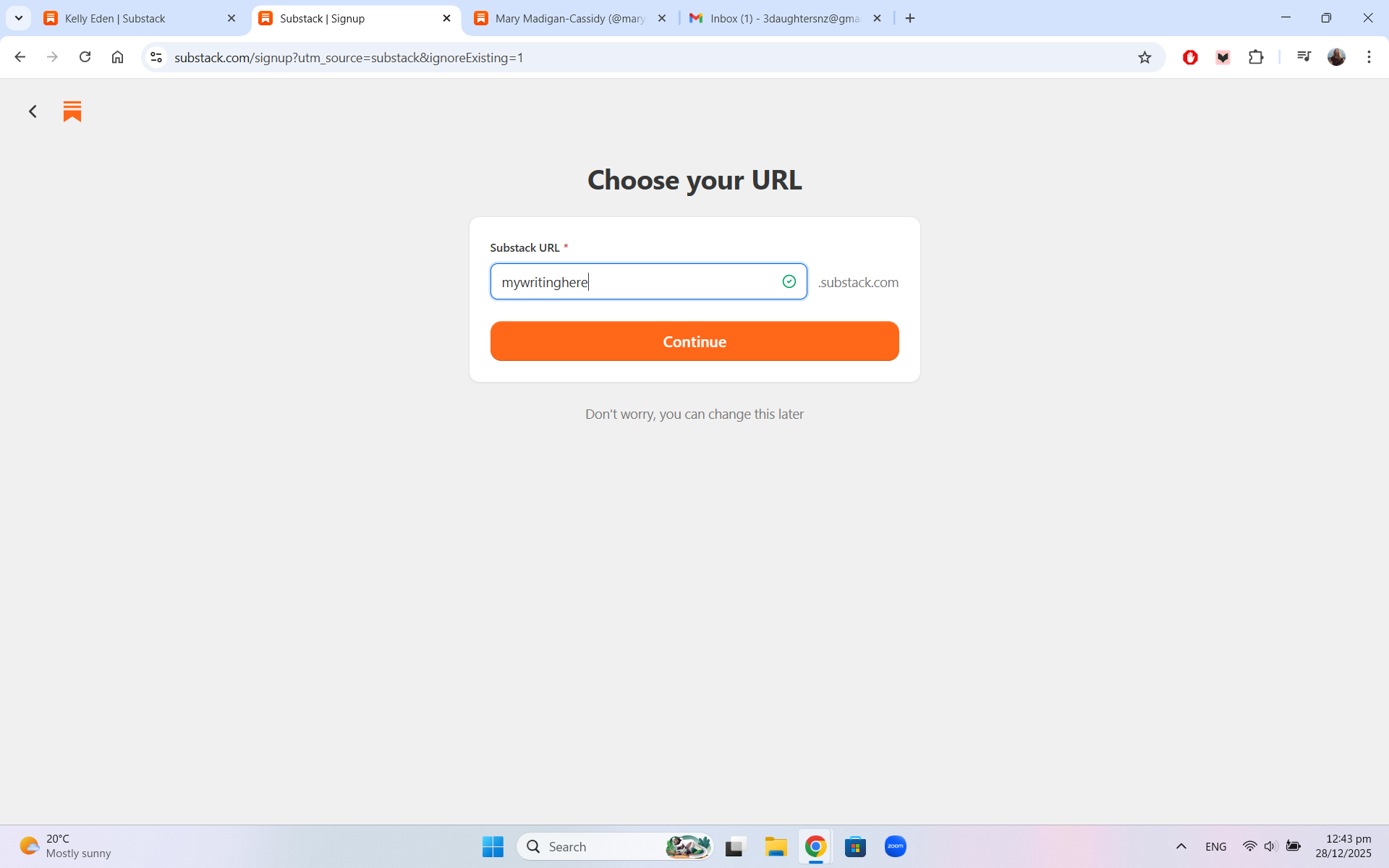
5. Substack will run you through a few options to import an email list, add subscribers, or recommend other substacks. You can always skip all of these.
Then you’ll be taken to a page where you can start posting, sharing, or turning on subscriptions.
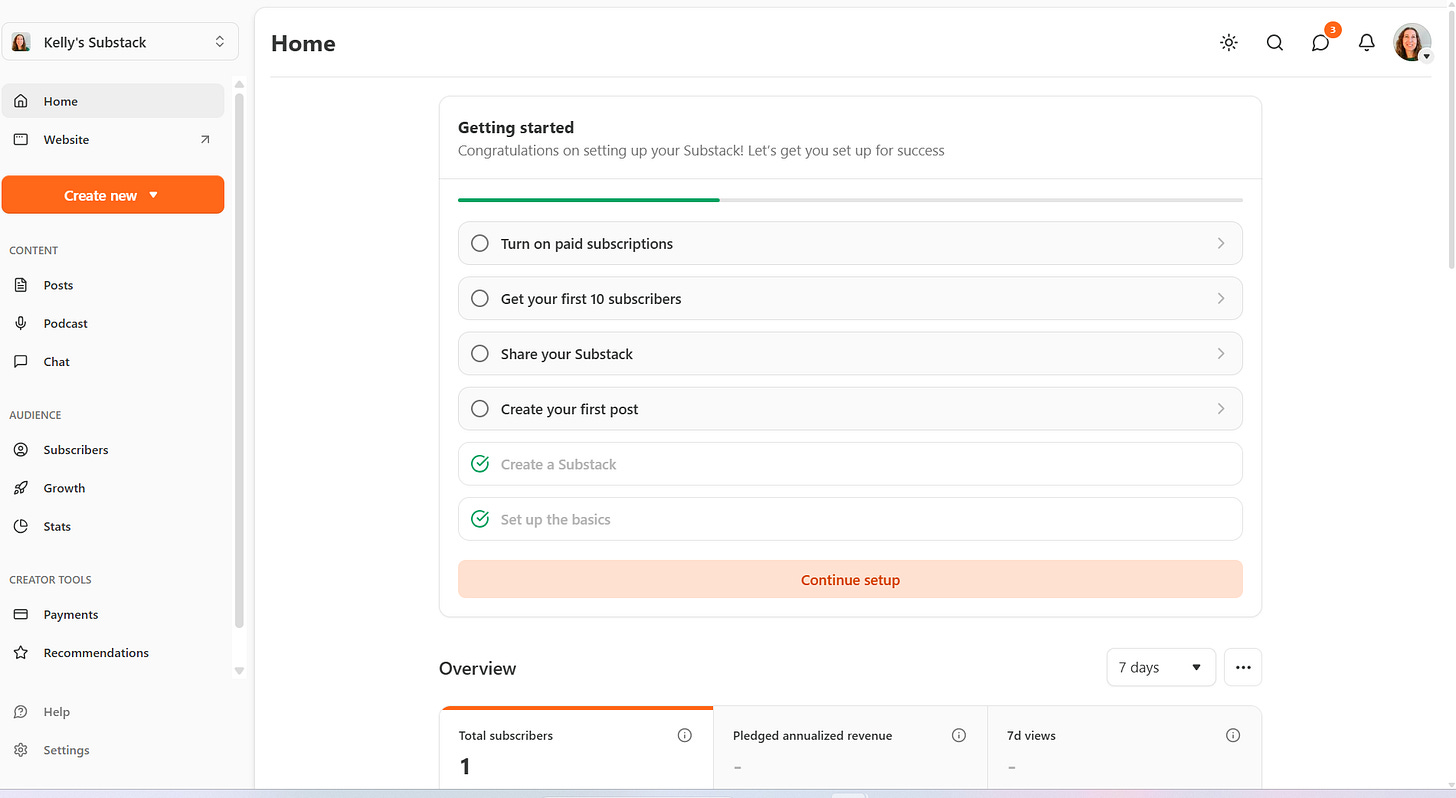
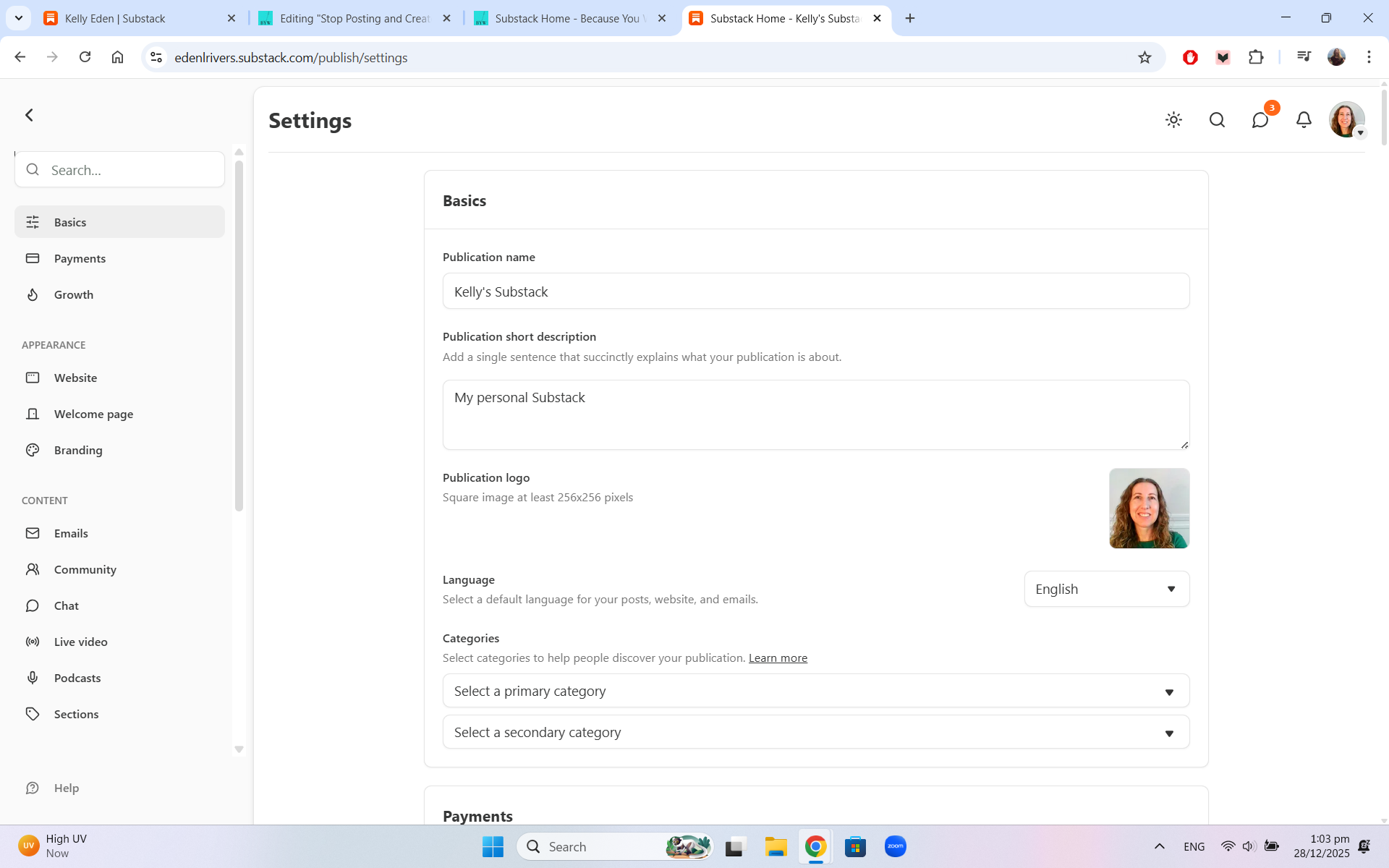
7. In Settings (see it on the left side there?) you can edit your publication’s name and details. I have another post about some of the things you might want to consider, such as your email welcome letter.
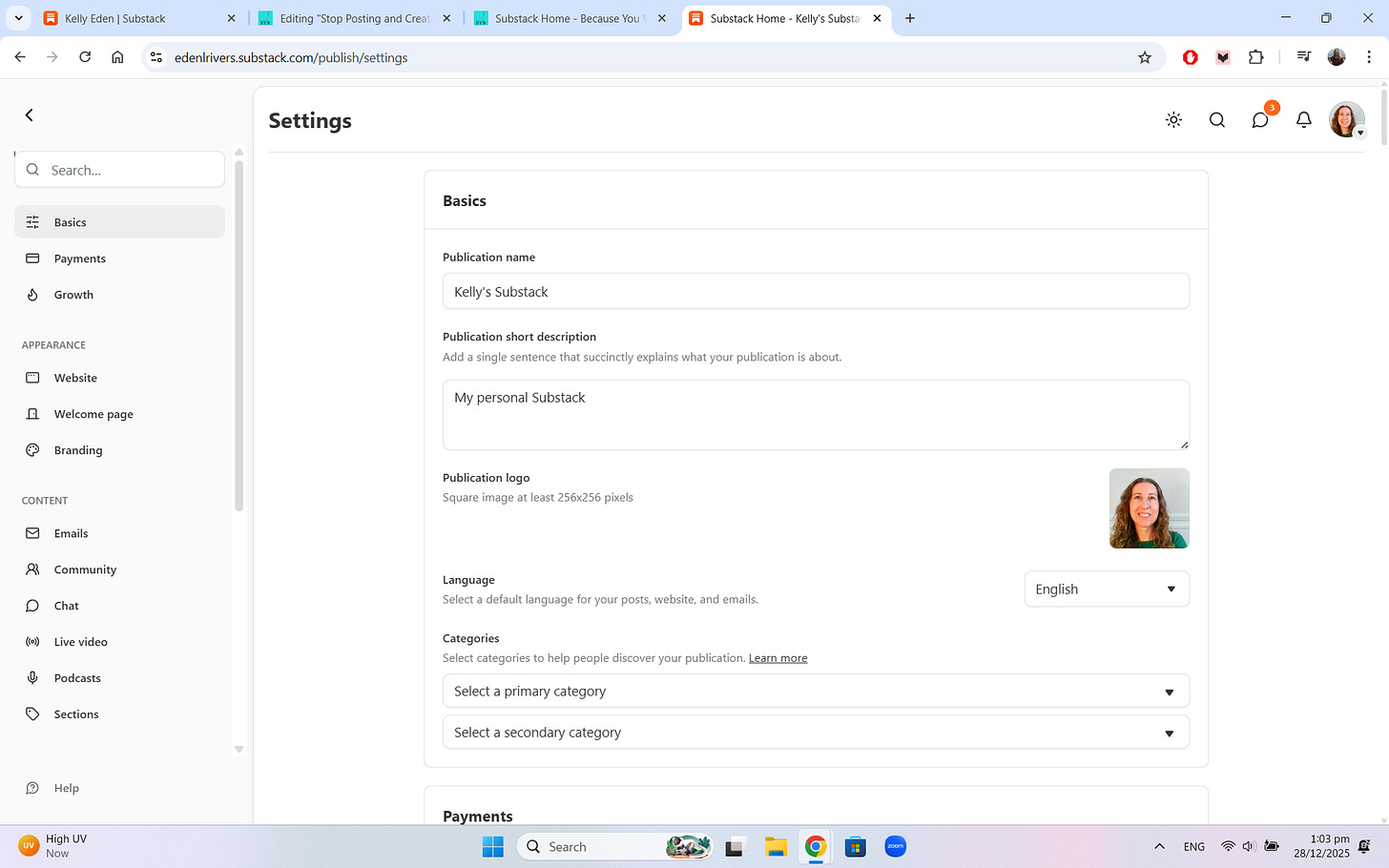
Take it one step at a time. A publication doesn’t have to be created in one day!
You can perfect yours little by little, tinkering with it as you go.
The main thing is picking a name and getting a post up.
Have fun!! And feel free to ask questions or comment with your new Substack publications. I’d love to take a look.
If you’re wanting to learn how to express yourself better in your creative nonfiction, check out my 43 CNF lessons. It’s like a masters in Creative Writing for the cost of a coffee.
This is so useful, Kelly. Thank you for putting it together in such a simple, step by step manner.
Thank you for posting this! I was wondering how to do this. I'm super new and trying to figure it all out. it's not so easy for sure. It feels like a big ocean but posts like this helps.